
WikiJS
Wiki & Notes
Wiki.js is a modern, open source wiki platform with a clean editor and powerful customization options.

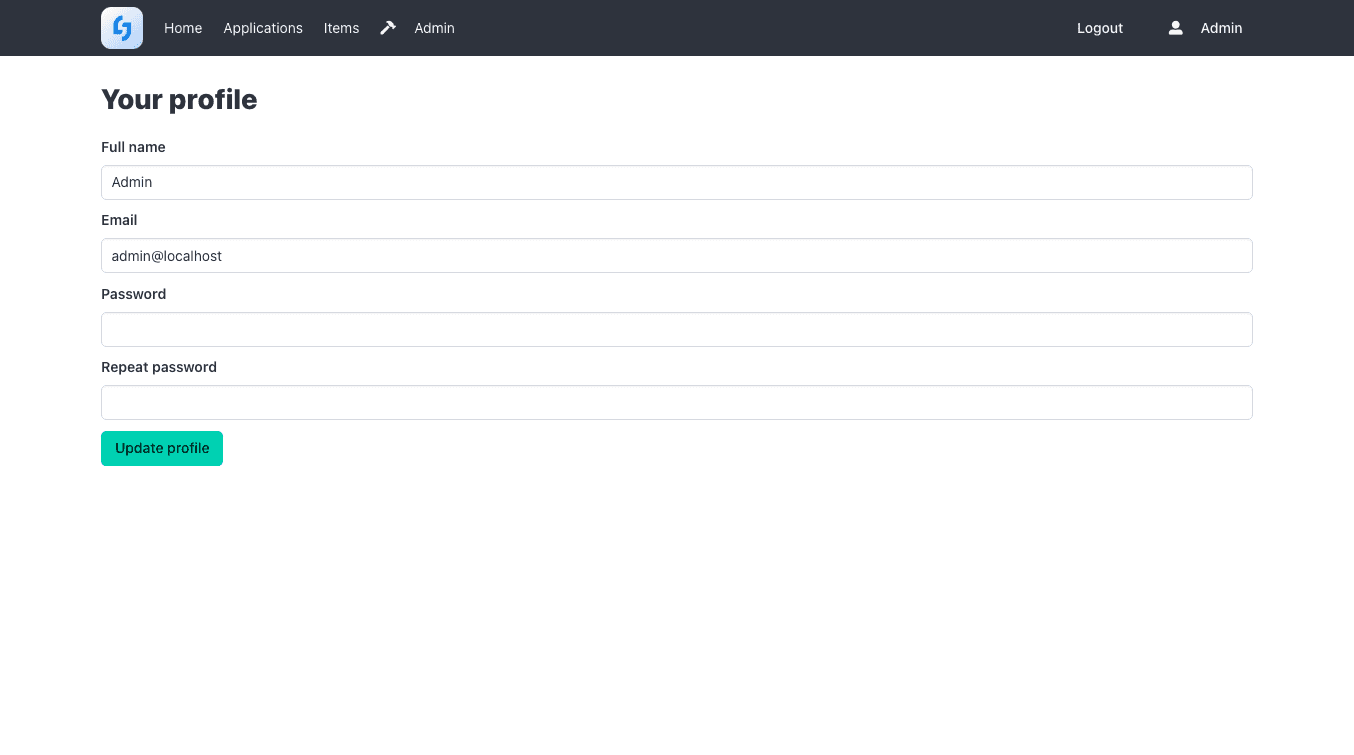
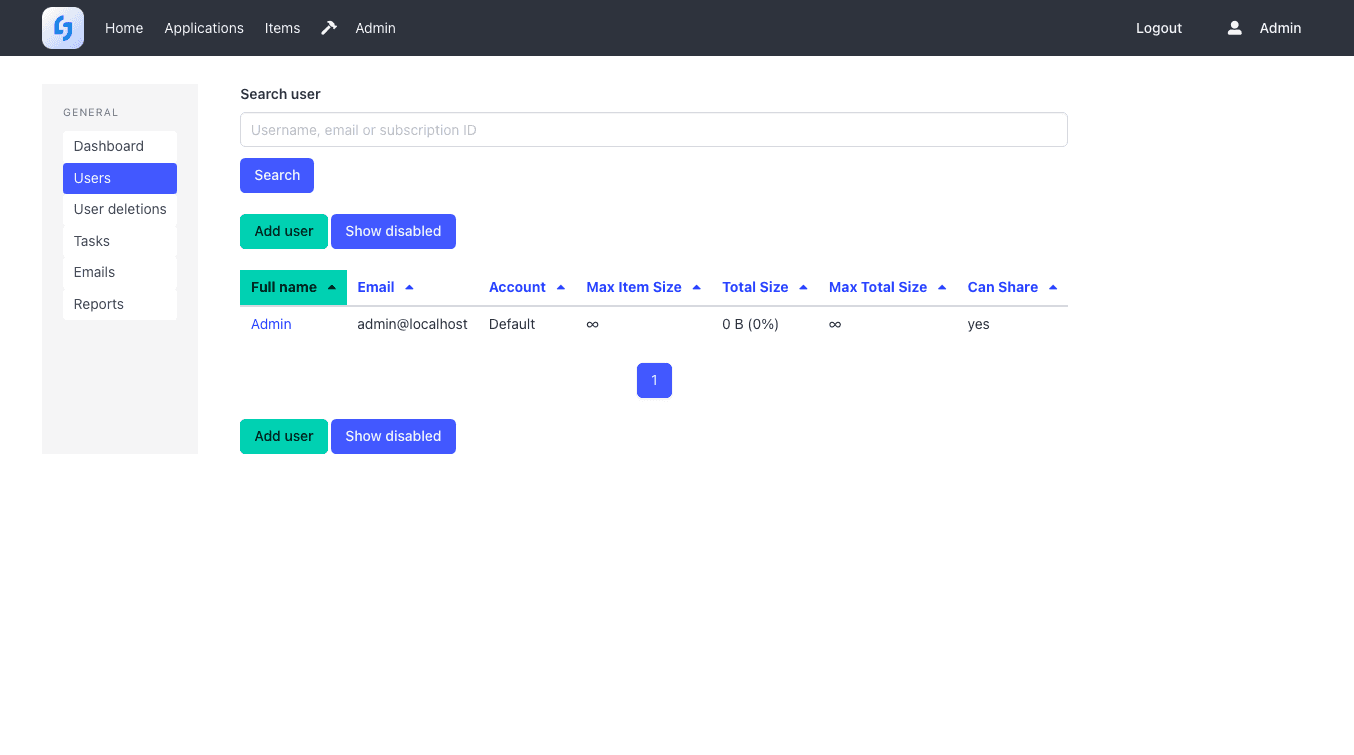
Joplin Server is the sync backend for the Joplin note-taking apps - end-to-end encrypted notes across devices.

Joplin Server is the sync backend for the Joplin note-taking apps (desktop, mobile, web clipper) - your notes, notebooks and to-dos sync end-to-end encrypted between all your devices.
Yes, in "My CApps". Cancel before the free trial ends and you pay nothing.
Yes. Download it as an archive at any time and restore a backup whenever you like.
In a GDPR-compliant EU data centre, isolated in its own container.
Yes. Adjust CPU, RAM and storage in "My CApps"; the price change is prorated.
Wiki.js is a modern, open source wiki platform with a clean editor and powerful customization options.

BookStack is a wiki platform for organizing documentation into shelves, books, chapters and pages.

Docmost is an open-source, collaborative wiki and documentation platform - a self-hosted alternative to Notion or Confluence.