
Stirling-PDF
Stirling-PDF is a self-hosted PDF toolkit - merge, split, convert, compress, sign and more.
- Category
- Files & Documents
- Hosting
- EU data centre
- Source Code
- GitHub
- Website
- stirling.com
Screenshots
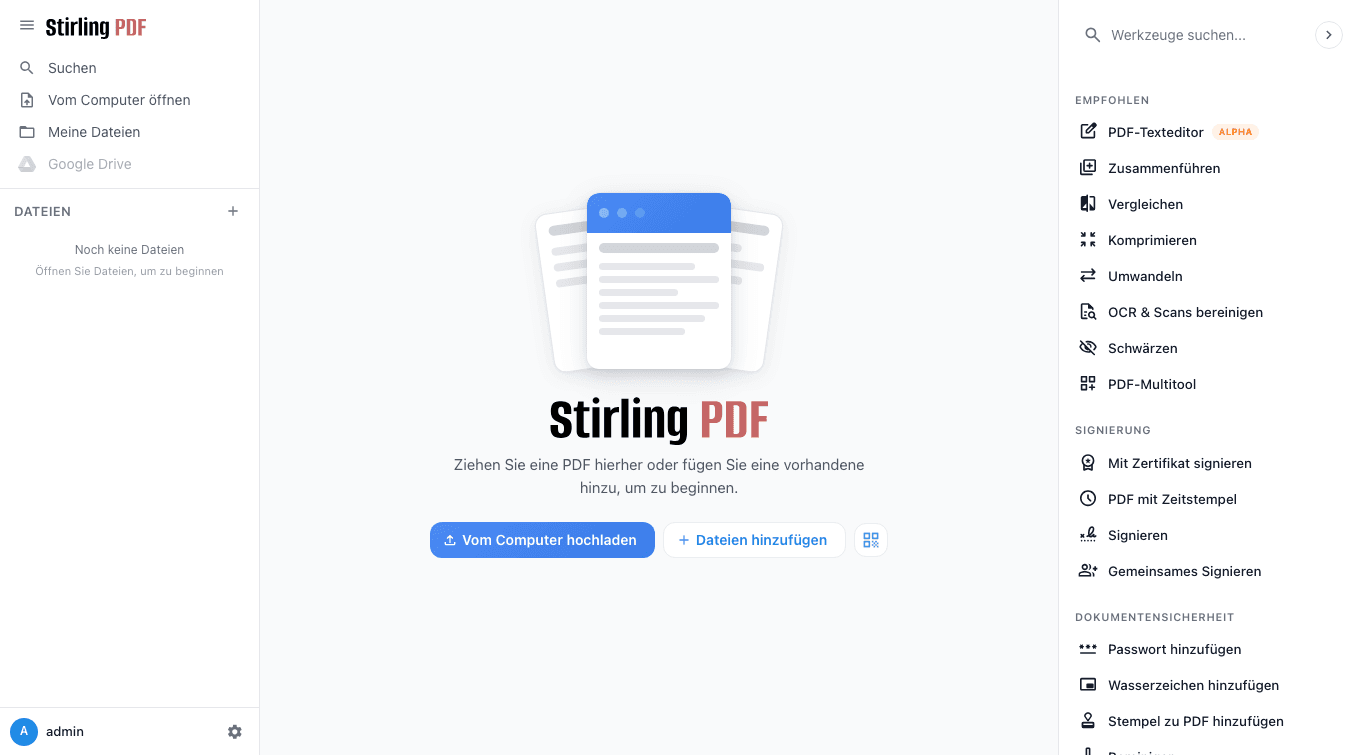
About this CApp
Stirling-PDF is a self-hosted PDF toolkit - merge, split, convert, compress, sign, redact, OCR and 50+ other operations, all processed on your own instance instead of an external service.
Getting started
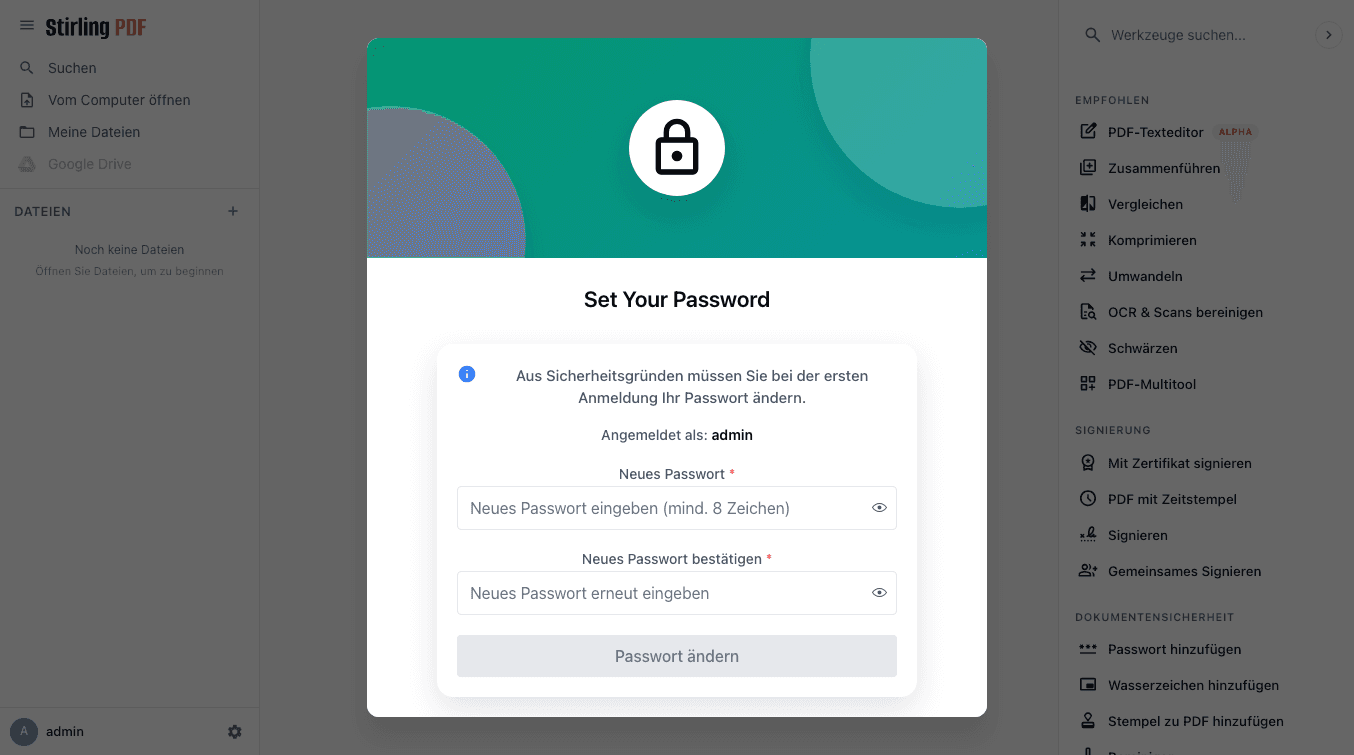
- Open your CApp URL. Log in with the default account: admin / stirling.
- You'll be asked to set your own password immediately - do that first.
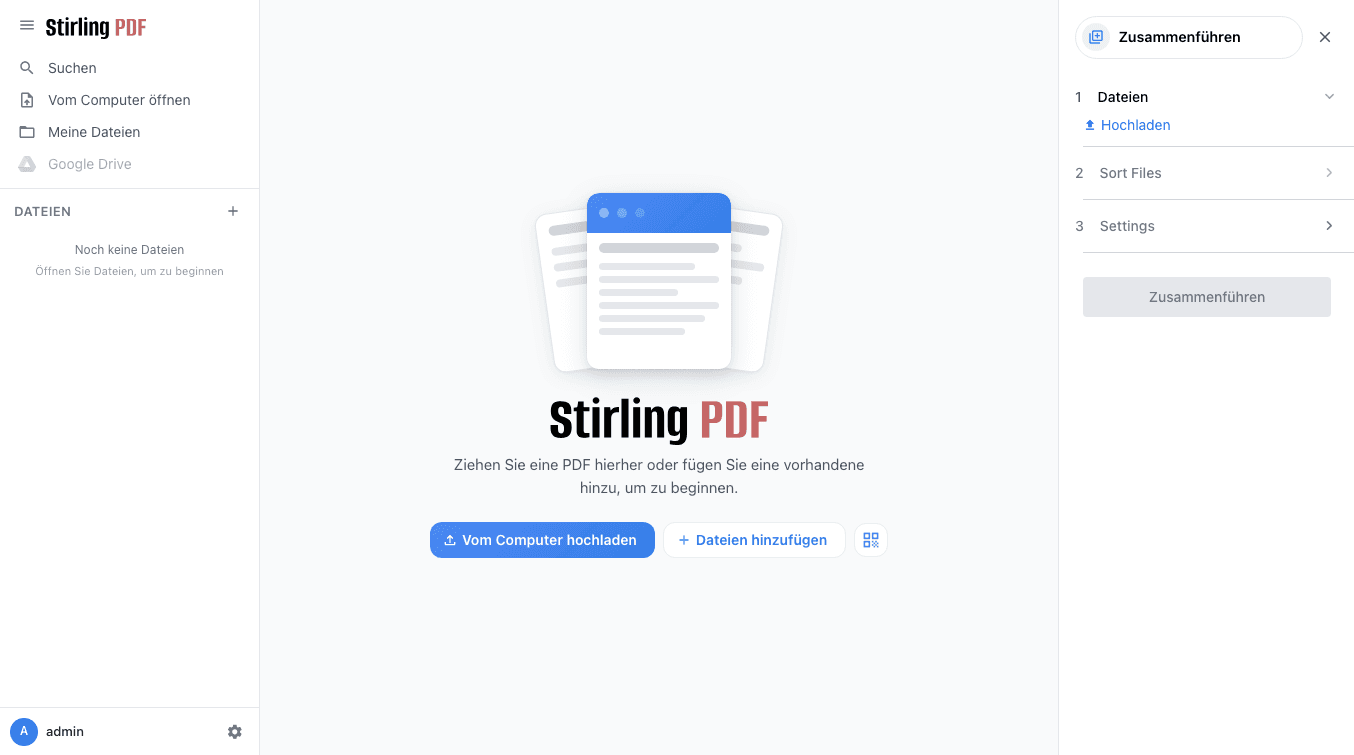
- Pick a tool from the dashboard and go. Most operations need no setup at all.
No-code pipelines
Settings > Pipeline lets you chain multiple tools into a reusable automation (e.g. "OCR then compress then watermark") without writing any code.
Storage
Uploaded files are processed and then discarded - Stirling-PDF isn't a document library. What's persisted across restarts and resource changes is your account, settings and any saved pipelines.
Links
Frequently asked questions
Can I cancel anytime?
Yes, in "My CApps". Cancel before the free trial ends and you pay nothing.
Is my data mine?
Yes. Download it as an archive at any time and restore a backup whenever you like.
Where does my app run?
In a GDPR-compliant EU data centre, isolated in its own container.
Can I change the resources later?
Yes. Adjust CPU, RAM and storage in "My CApps"; the price change is prorated.