WordPress is a widely-used content management system renowned for its versatility and ease of use
Marketing
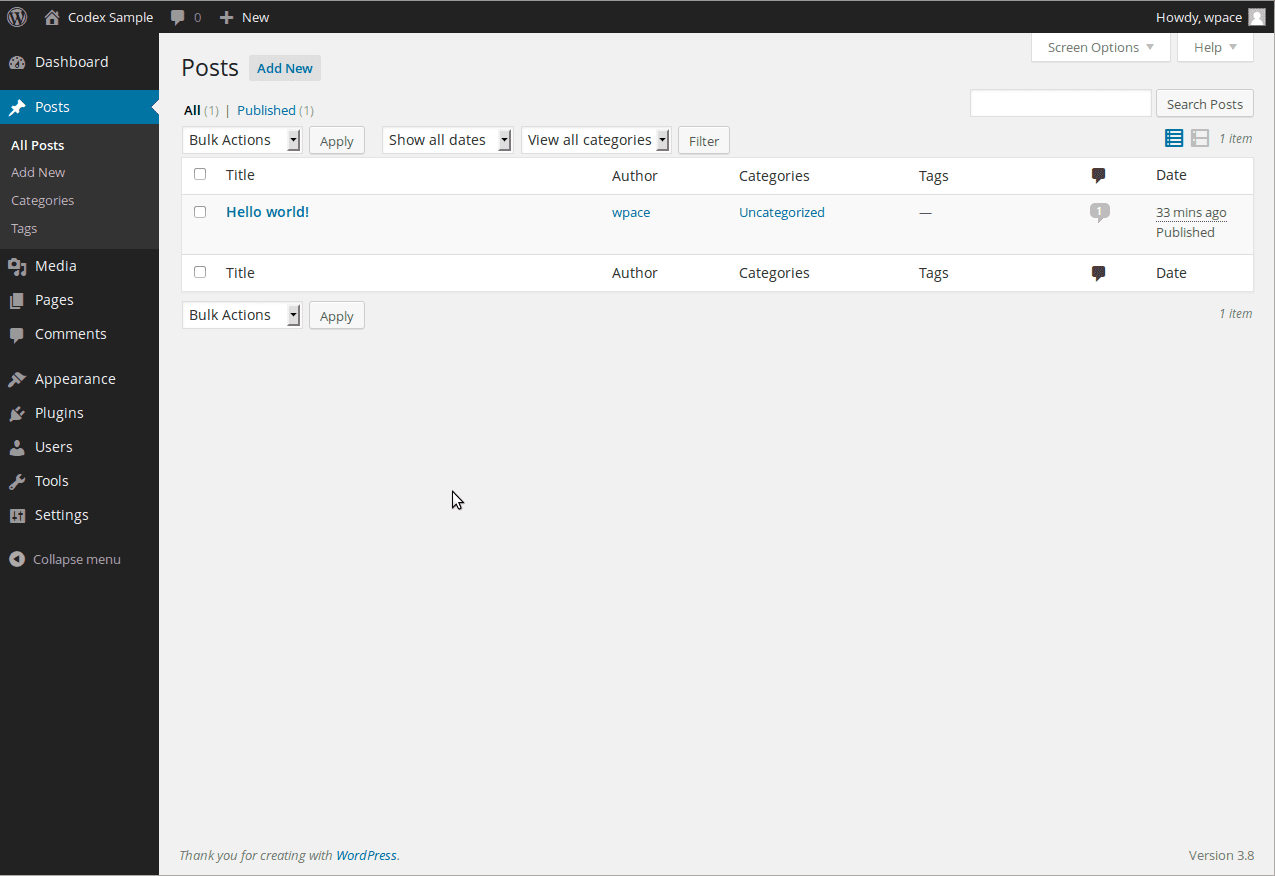
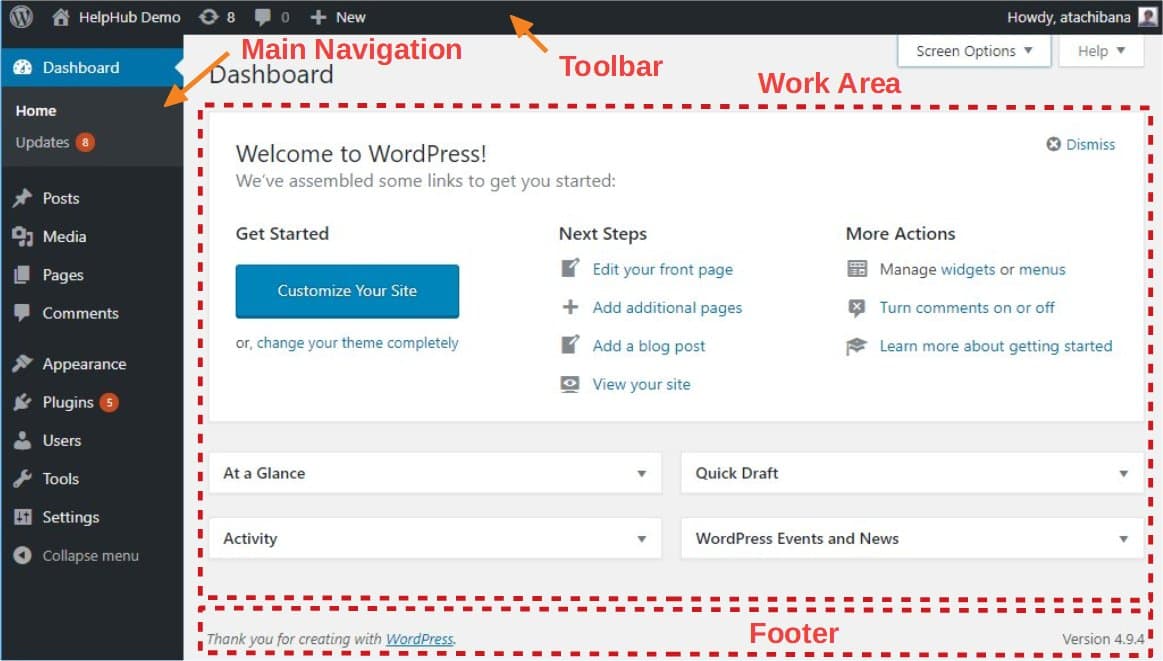
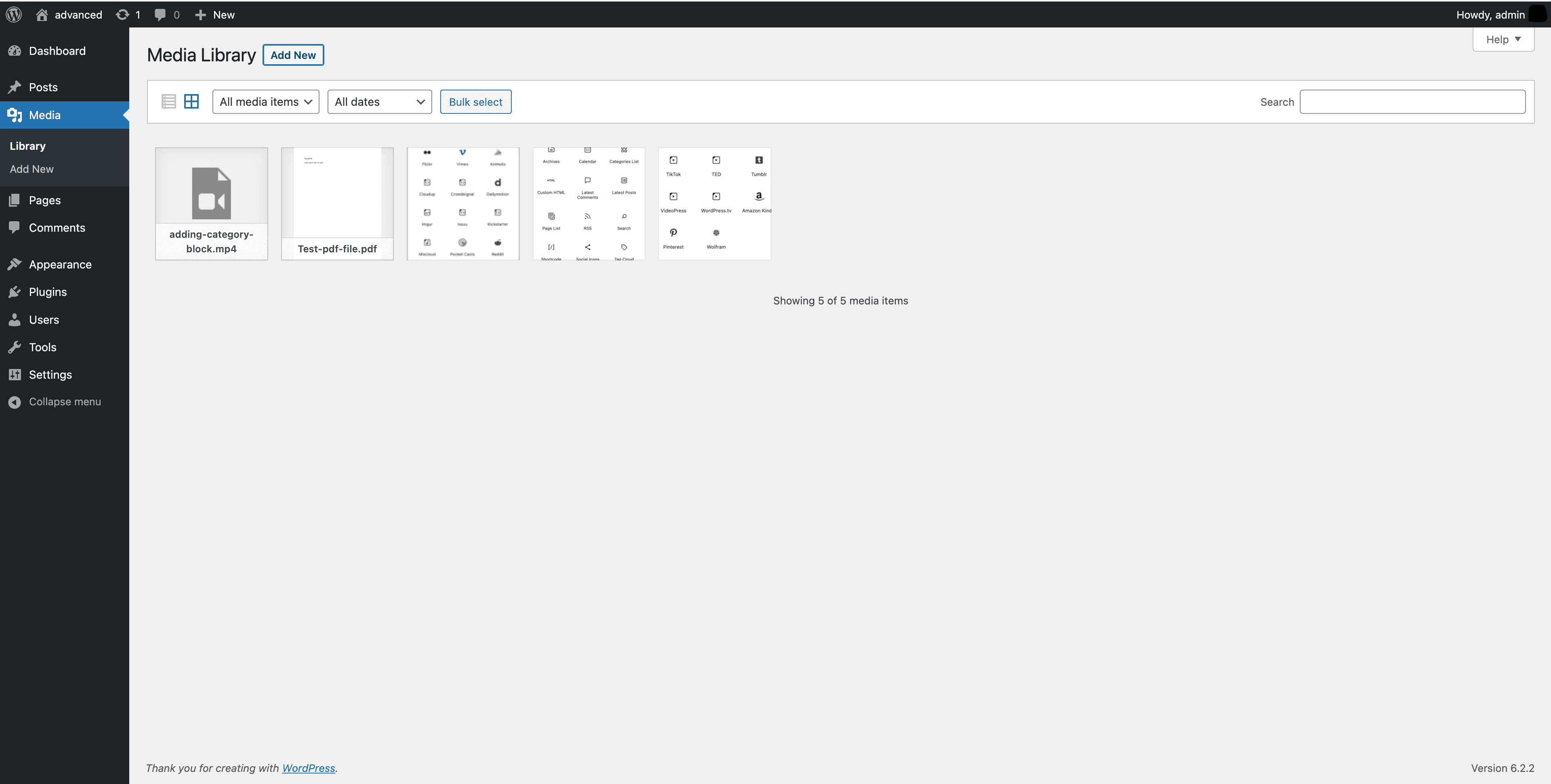
Screenshots

Overview
WordPress is a powerful and flexible content management system (CMS) that enables users to create a wide variety of websites, from personal blogs to complex portals. It is highly customizable with themes and plugins, making it a popular choice for users with varying levels of technical expertise.
Features
- Simplicity: Easy to set up and start publishing content.
- Flexibility: Suitable for blogs, business sites, portfolios, and more.
- Publishing Tools: Drafts, scheduling, revisions, public/private posts, and password protection.
- User Management: Different roles like Administrator, Editor, Author, Contributor, and Subscriber.
- Media Management: Drag-and-drop media uploader with editing tools.
- Full Standards Compliance: Ensures compatibility with future browser versions.
- Themes and Plugins: Thousands of free and premium options for design and functionality.
- Built-in Comments: Robust commenting system for interaction.
- SEO: Optimized for search engines with additional SEO plugins available.
- Multilingual: Available in over 70 languages.
- Easy Upgrades: One-click updates for the core, themes, and plugins.
- Importers: Tools to import content from other platforms.
- Own Your Data: Complete control over your site and its data.
- Community: Large, supportive community for help and collaboration.
- Freedom: Open source and GPL licensed, allowing extensive customization and redistribution.
Building Blocks
- WordPress Core: The essential files that power WordPress.
- Database: Stores all site data in a MySQL database.
- Themes: Control the appearance of the site. Thousands of free and premium themes are available.
- Plugins: Extend functionality with thousands of available plugins.
Permissions
Different user roles allow varying levels of access:
- Subscriber: Manages their profile.
- Contributor: Writes and manages their posts but cannot publish.
- Author: Manages and publishes their posts.
- Editor: Manages and publishes all posts.
- Administrator: Full control over the site.
- Super Admin: Manages multi-site installations.
Community and Support
- Support Forums: Community-driven support.
- Developer Documentation: Extensive resources for developers.
- WordCamps and Meetups: Events for learning and networking.
- Contributions: Opportunities to contribute to WordPress development, documentation, and translation.
For more information, visit the WordPress documentation and Learn WordPress sites.