
Calibre-Web is a browser-based e-book library - upload, read and organize EPUB, PDF and more.
Media & Photos
Screenshots
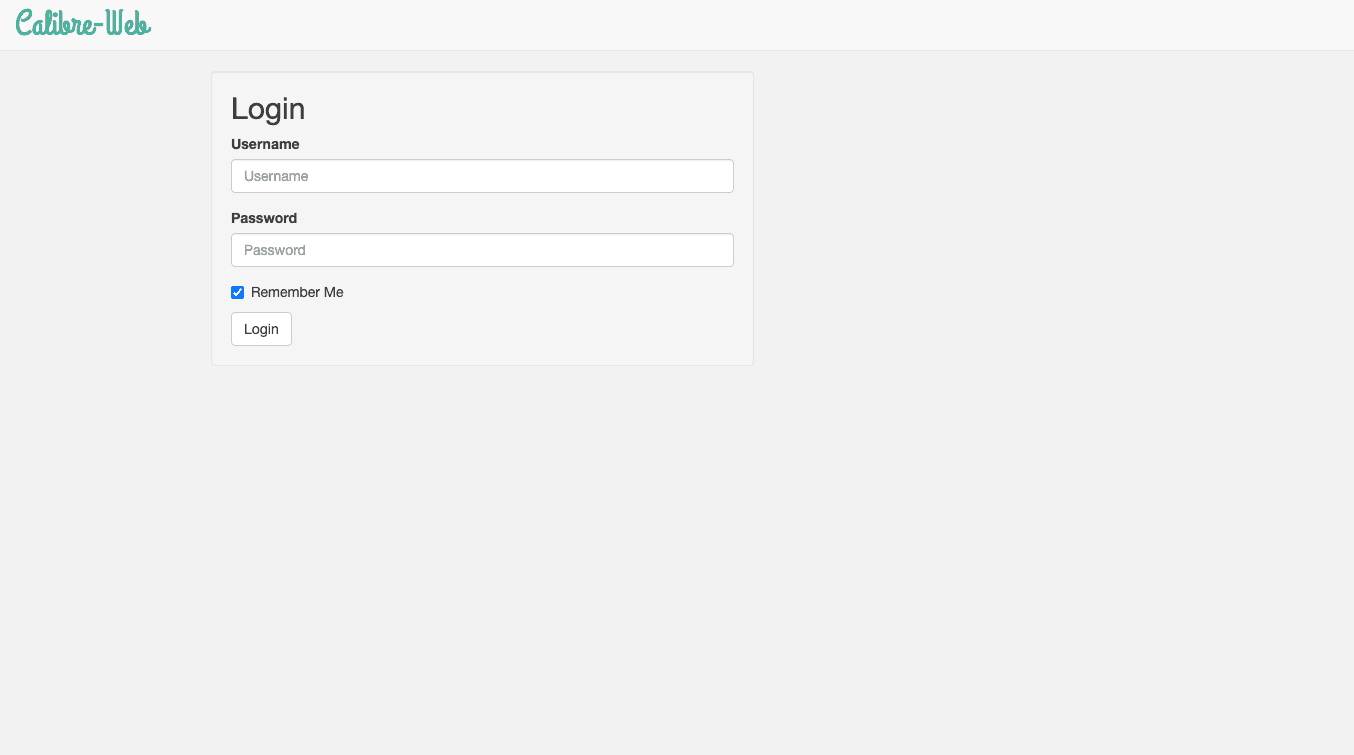


⚡ Wichtig beim ersten Öffnen
Melde dich mit admin / admin123 an. Beim ersten Login fragt Calibre-Web nach dem Datenbank-Pfad - trag /books ein und speichere (die Bibliothek wird dabei automatisch angelegt). Aktiviere danach unter Admin → Basic Configuration → Feature Configuration die Option "Enable Uploads", um eigene E-Books hochladen zu können. Ändere dein Passwort sofort unter Admin → Edit Users → admin.
Calibre-Web
Calibre-Web is a web app for browsing, reading and downloading your e-book library - upload EPUB, PDF, MOBI and more, read directly in the browser, and manage metadata and covers.
Getting started
- Open your CApp URL. Log in with the default account: admin / admin123.
- You'll be asked for the "Location of Calibre Database" - enter /books and save. A fresh, empty library is created automatically.
- Go to Admin → Basic Configuration → Feature Configuration and check "Enable Uploads" - this is off by default.
- Change your password immediately under Admin → Edit Users → admin.
- Use the Upload button (top right) to add your first e-book - Calibre-Web automatically extracts title, author, cover and other metadata from the file.