
Forgejo is a lightweight, self-hosted Git service for repositories, issues and pull requests - a community fork of Gitea.
Developer Tools
Screenshots
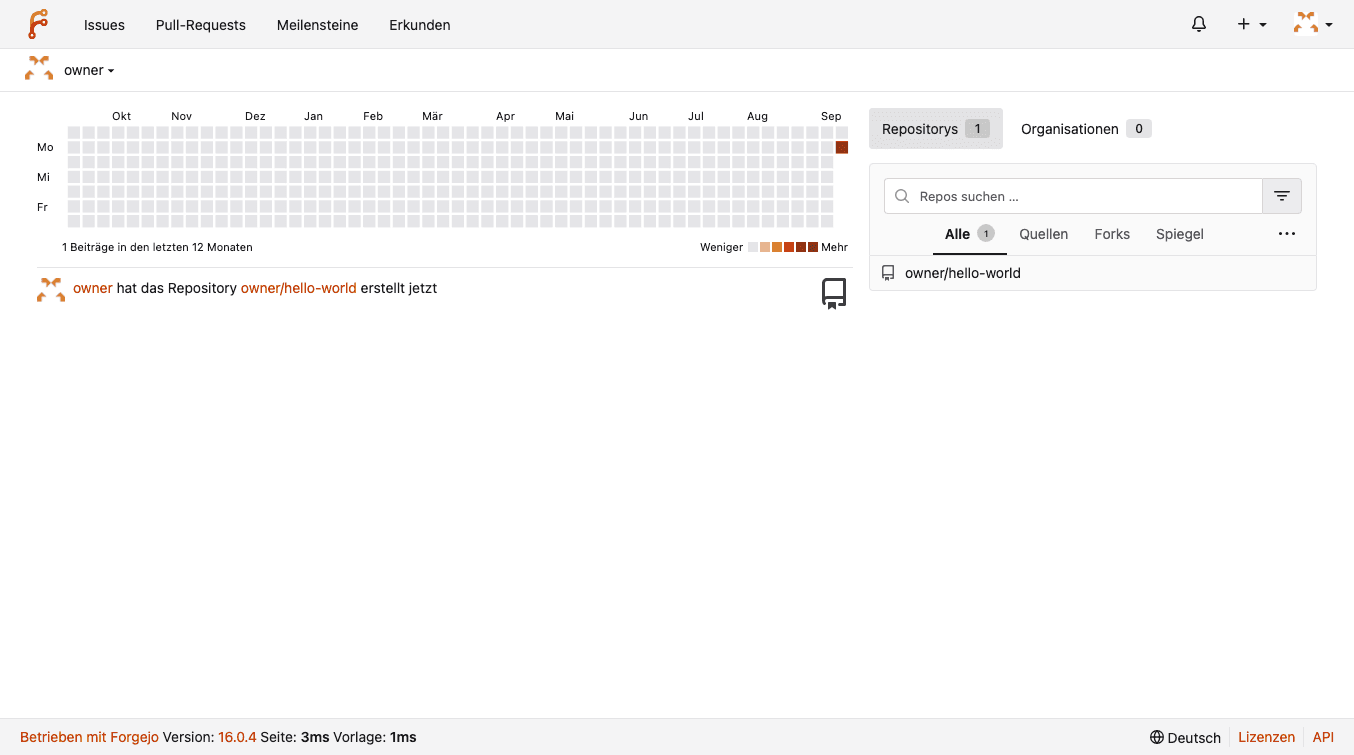


Forgejo
Forgejo is a lightweight, self-hosted Git service - host your own repositories, track issues, and review pull requests. A community-driven fork of Gitea, focused on privacy and federation.
Note: on this platform, Forgejo is only reachable over HTTPS. Git access via SSH is not supported.
Getting started
- Open your CApp URL - you'll land on Forgejo's one-time install page. The defaults are already correct (SQLite database, your CApp URL) - no need to change anything.
- Scroll down to Administrator Account Settings and set your admin password and email. For the username, pick anything other than "admin" - it's a reserved name and Forgejo will reject it.
- Click Install Forgejo, then log in with the account you just created.
Features
- Repository Hosting: Unlimited private and public repositories.
- Issues & Pull Requests: A full project management workflow, built in.
- Actions: Forgejo's own CI/CD, compatible with GitHub Actions syntax.
- Wiki & Project Boards: Document and plan directly alongside your code.
- Organizations & Teams: Manage access for multiple contributors.
- Federation: Built on ActivityPub, with federation features actively in development.