
Nextcloud
Files & Documents
Nextcloud is a self-hosted file sync and collaboration platform - your own private alternative to Dropbox and Google Drive.

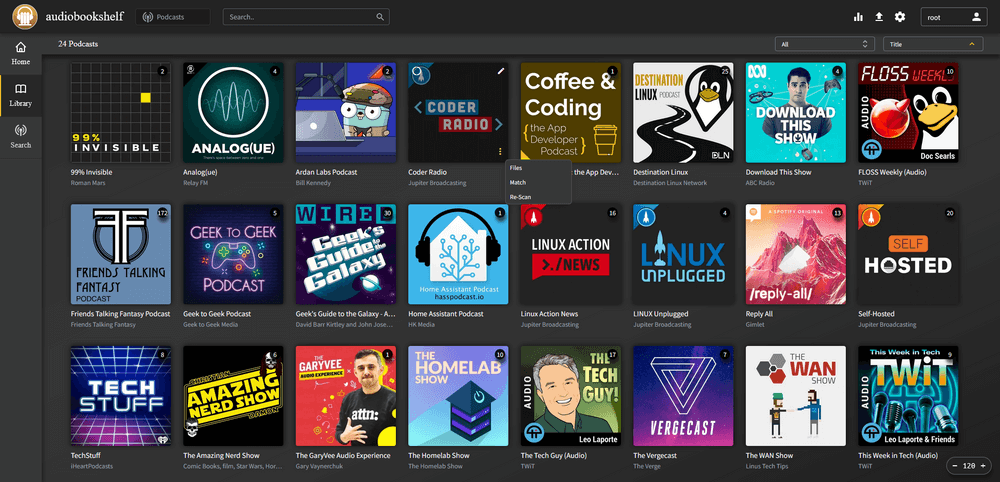
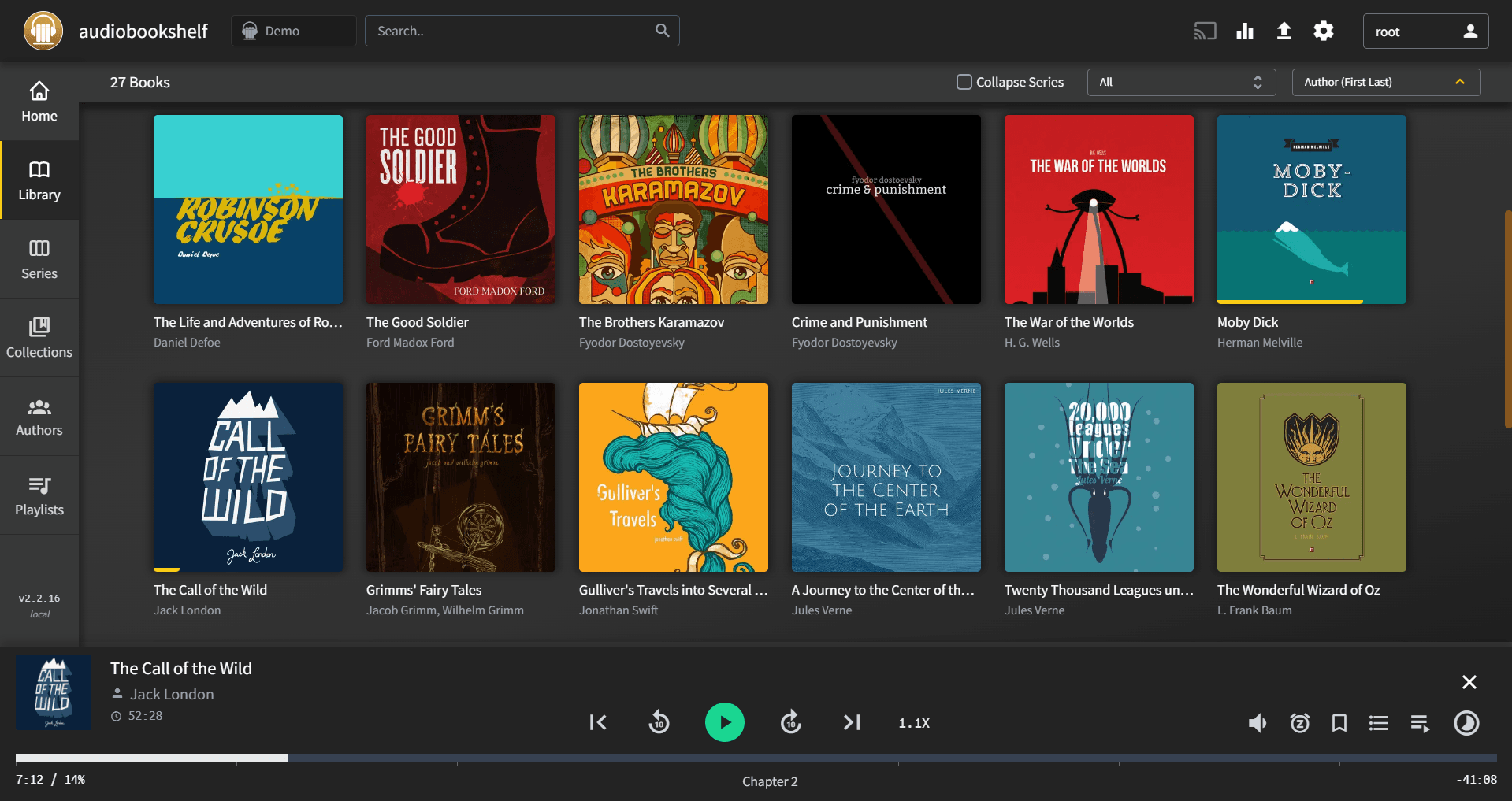
Audiobookshelf is a self-hosted server for managing and streaming your audiobooks and podcasts.
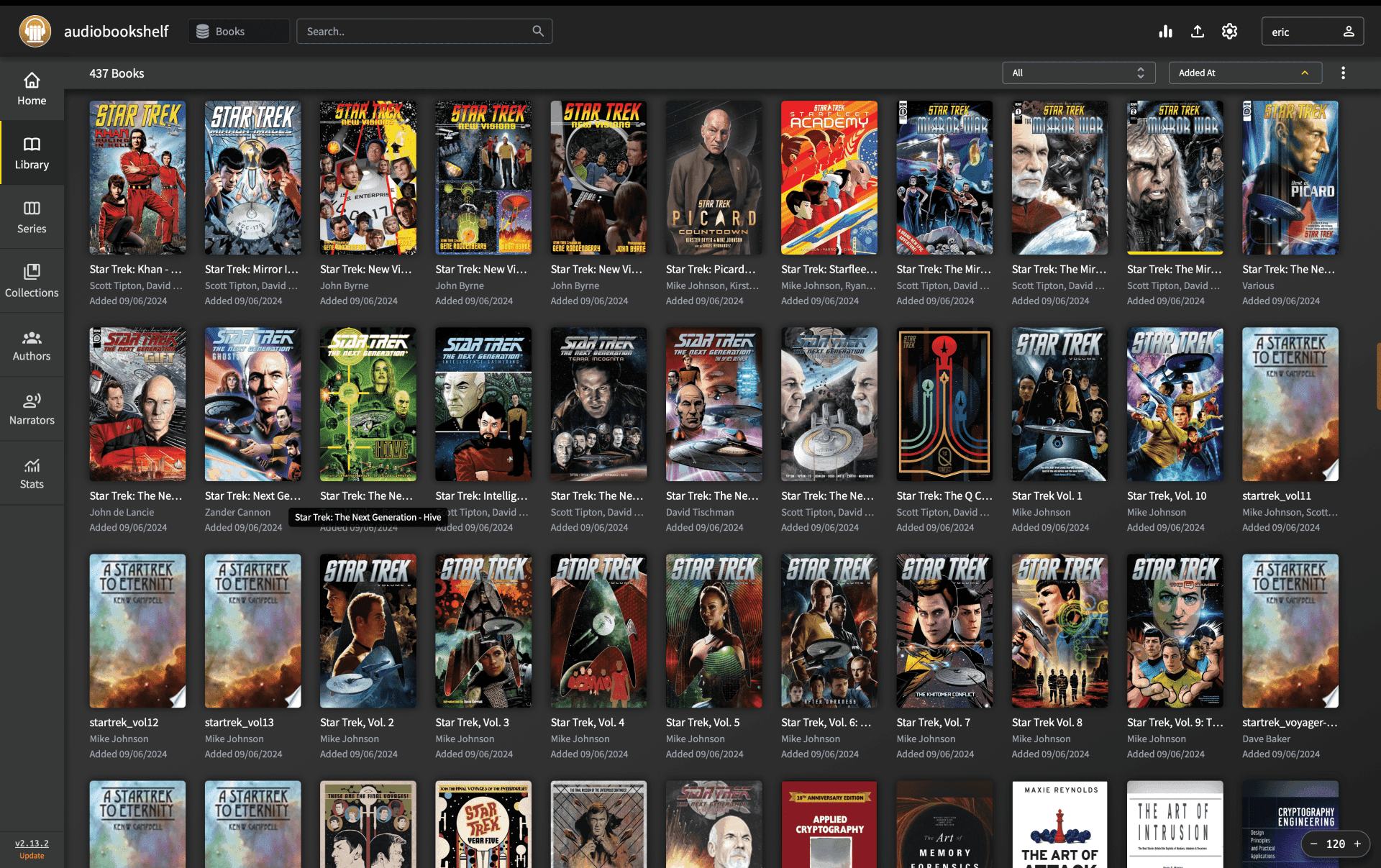
Audiobookshelf is a self-hosted audiobook and podcast server - organize your library, stream to any device, and keep listening progress in sync. Companion apps available for Android and iOS.
Running Audiobookshelf yourself means a machine that is always on with plenty of storage, plus remote access over HTTPS - and keeping all of it maintained. As a CApp you get the same open-source software without that work:
/audiobooks (for podcasts: /podcasts) - pick it in the folder browser.Important: Only
/audiobooksand/podcastsare stored permanently. Files in any other folder (for example under/app) are lost when the instance restarts or updates.
Yes, in "My CApps". Cancel before the free trial ends and you pay nothing.
Yes. Download it as an archive at any time and restore a backup whenever you like.
In a GDPR-compliant EU data centre, isolated in its own container.
Yes. Adjust CPU, RAM and storage in "My CApps"; the price change is prorated.
Nextcloud is a self-hosted file sync and collaboration platform - your own private alternative to Dropbox and Google Drive.
Documenso is the open-source alternative to DocuSign for legally binding e-signatures.
Stirling-PDF is a self-hosted PDF toolkit - merge, split, convert, compress, sign and more.

Paperless-ngx scans, OCRs, indexes and archives your paper documents into a searchable digital archive.